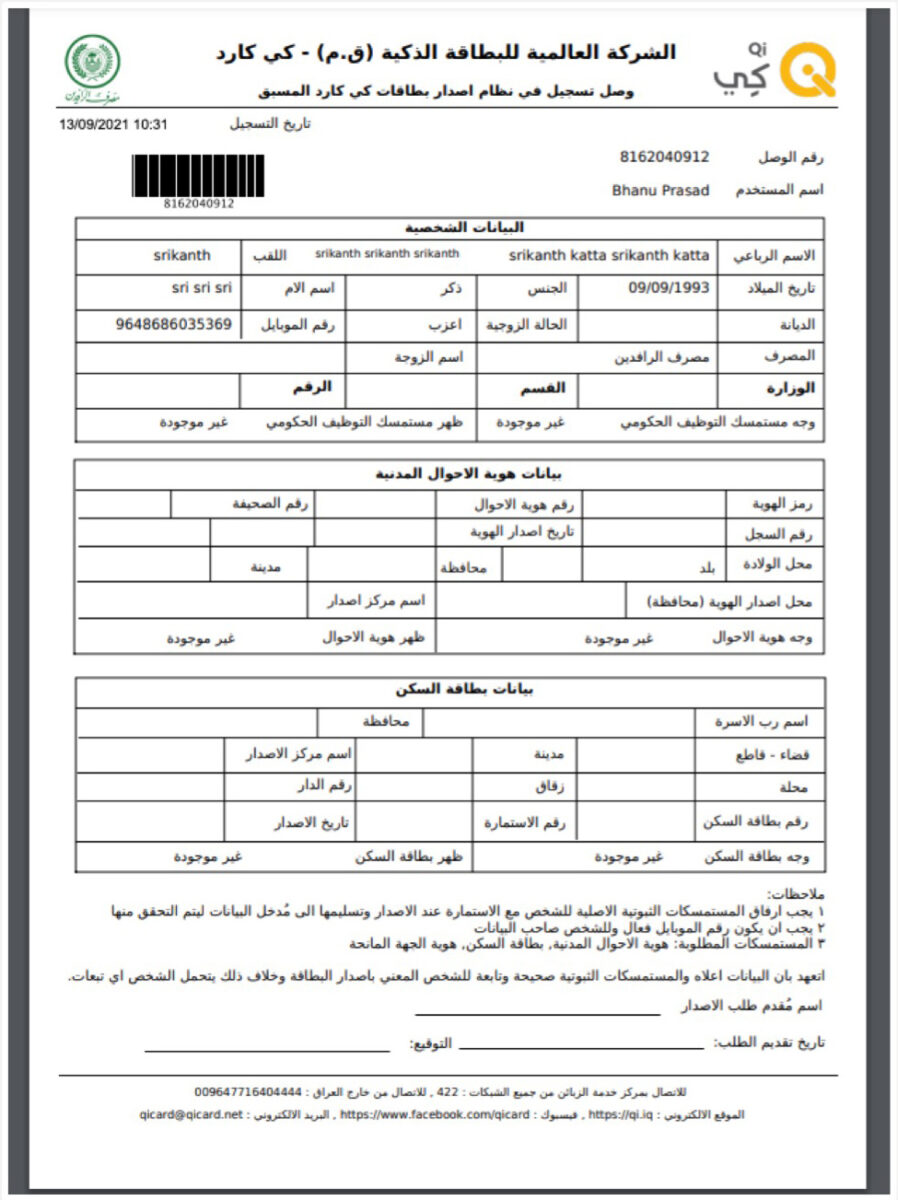
Centralized Issuance
Step 1
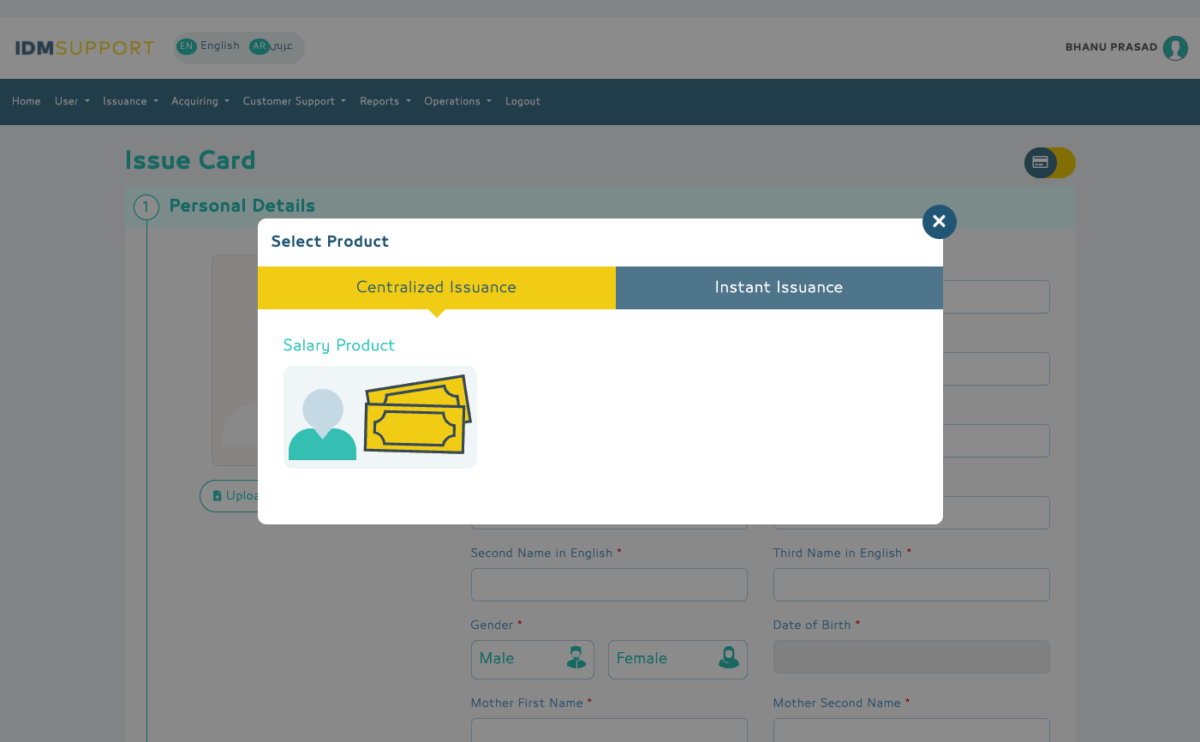
Operator needs to select a product
Step 2
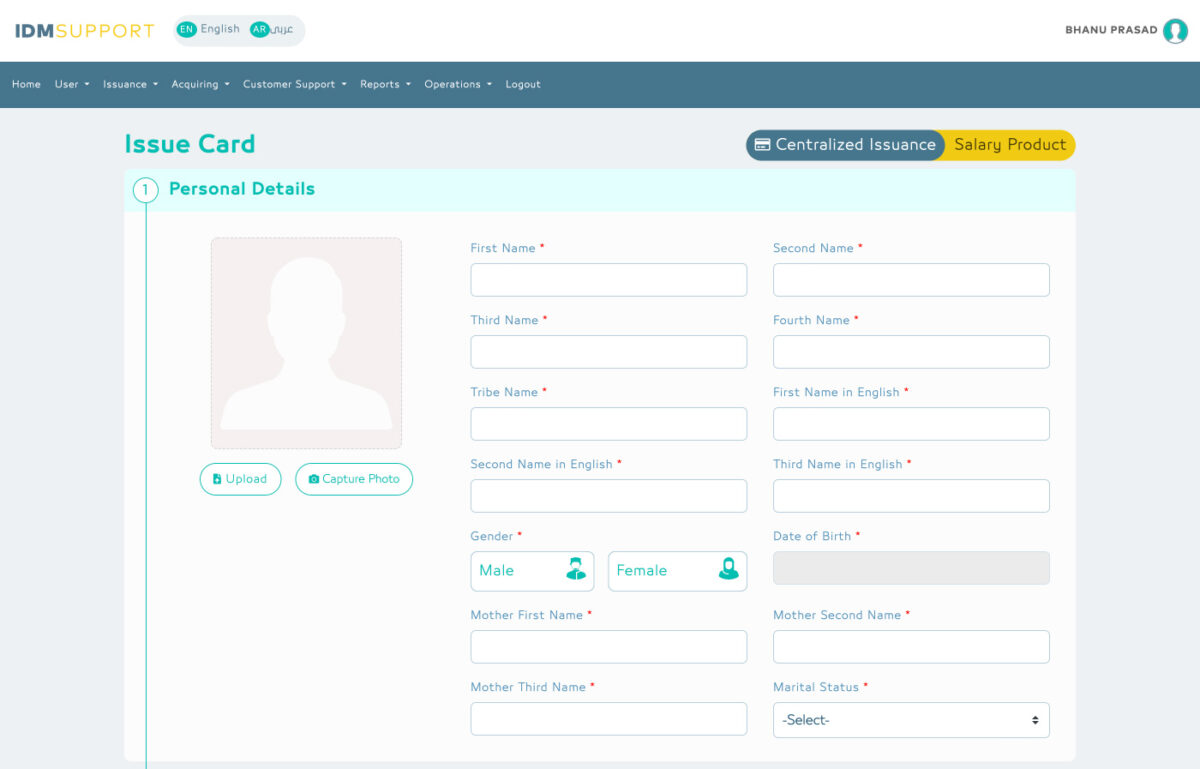
In this screen, the operator enter all demographic details of the customer
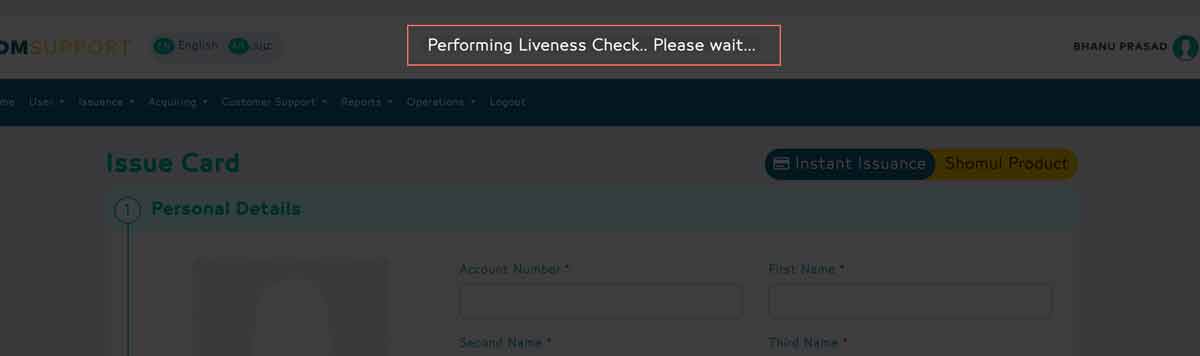
If operator has Liveness check privilege then it will check the captured photo genuinity.
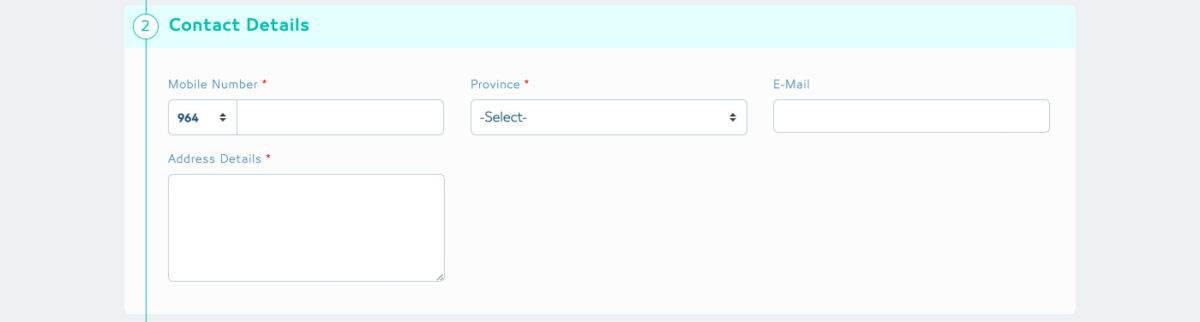
Operator need to fill all the mandatory contact details.
- Mobile Number, Province, Address
- E-mail is optional
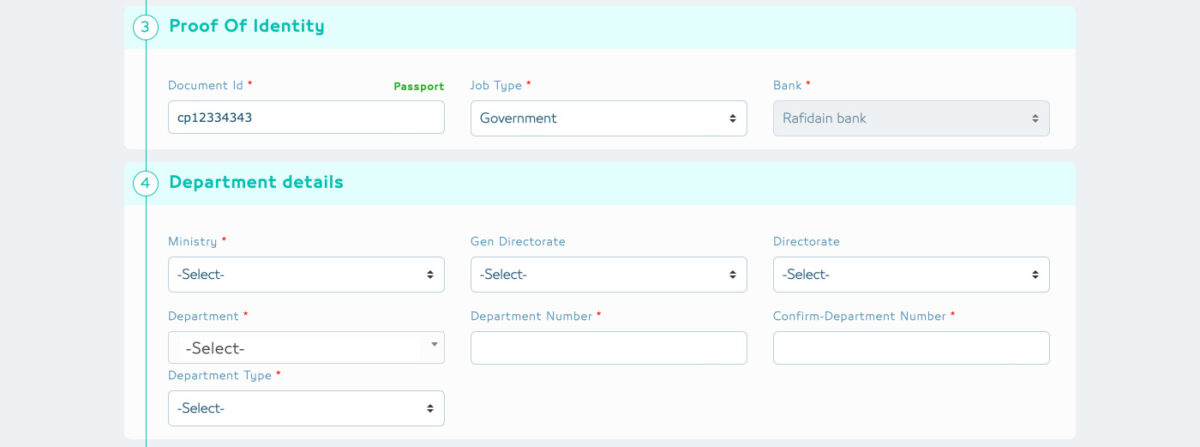
For proof of identity operator can accept anyone of the three documents. As the operator types the document id it will show message of the kind of the document he wants to give as identity proof.
- Passport, National ID, Civil ID
- If the the customer is a government or private employee operator need to enter additional details and needs to upload the employment identity document.
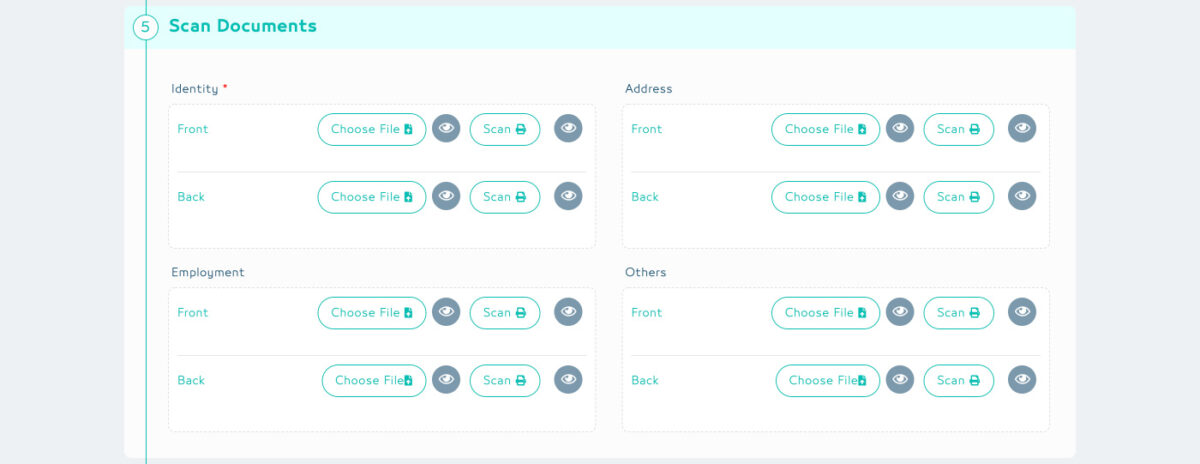
Operator can upload the documents in two ways
- Operator can choose an existing image from the drive.
- Document can be scanned using the scanner. Operator needs to setup a scanner to scan documents.

Operator can change the Delivery Site if needed.
- By Default the card is delivered to the bank branch.
- Operator has to select the Option No which will enable to change the delivery site
- The operator can now select a different province and another delivery site.
After filling all the required infomation click on submit to complete.
Step 3
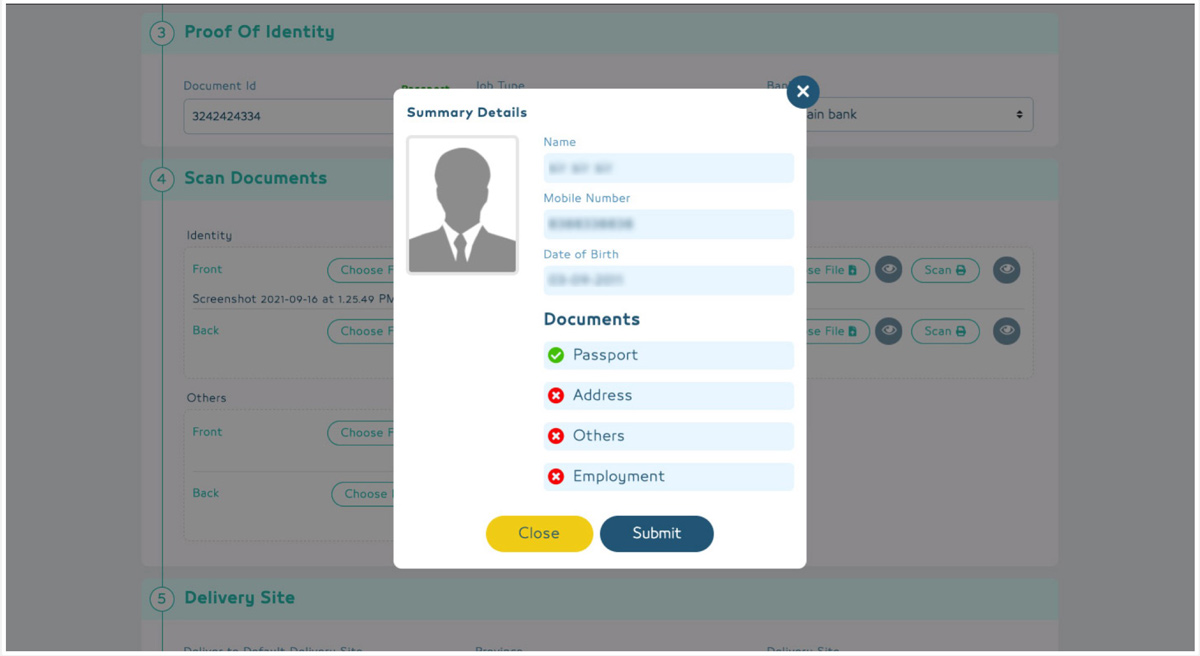
Operator can view the final summary details.
Step 4
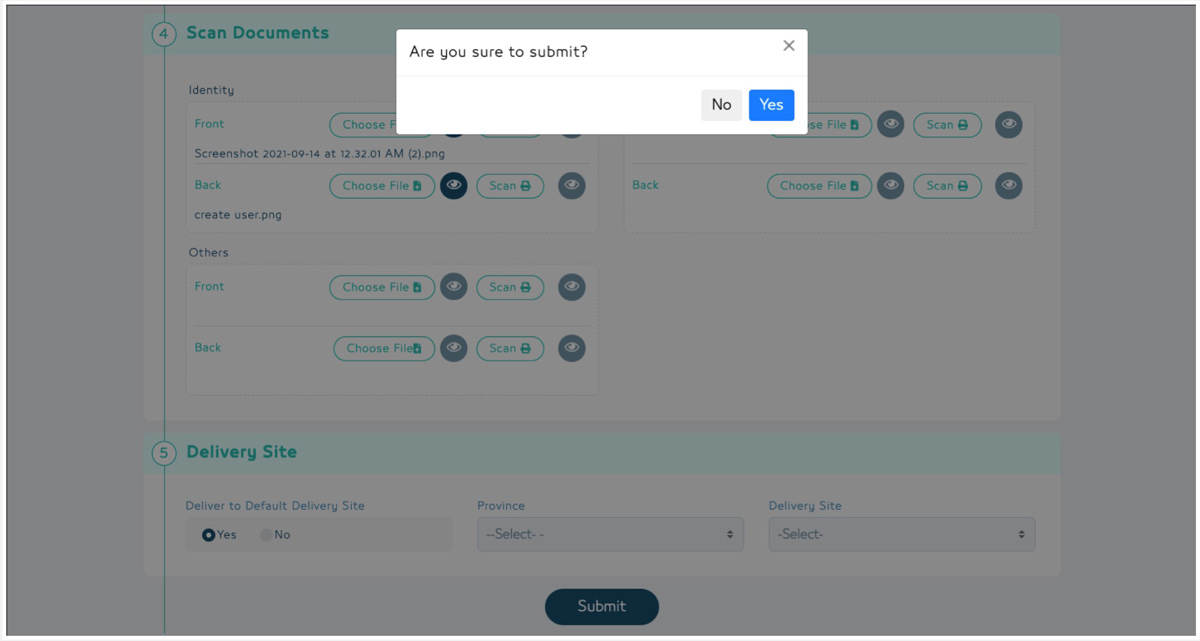
Operator needs to confirm to complete the enrolment.
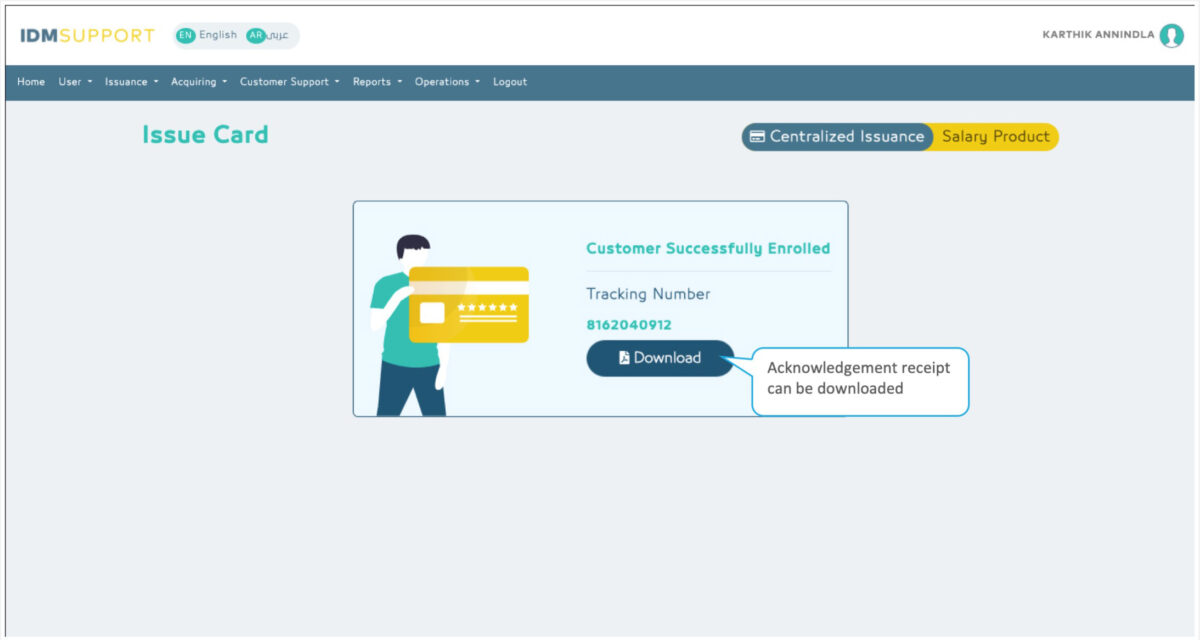
After the enrolment is submitted a confirmation message is displayed and operator can download the acknowledgement.